Aghanim-Meta Pixel Integration
This guide explains how to integrate Aghanim with Meta Pixel (formerly Facebook Pixel) to track user activity and measure the effectiveness of advertising across your game hub.
Requirements
- A Meta Business account.
- An existing Meta Pixel with a valid Pixel ID.
Step 1: Retrieve Your Meta Pixel ID
- Log in to your Meta Events Manager.
- Select the appropriate business account.
- Click on your Pixel under the Data Sources tab.
- Locate and copy the Pixel ID from the dashboard.
The Pixel ID is a numeric string (e.g., 123456789012345) that uniquely identifies your tracking pixel.
Step 2: Configure the Integration in Aghanim
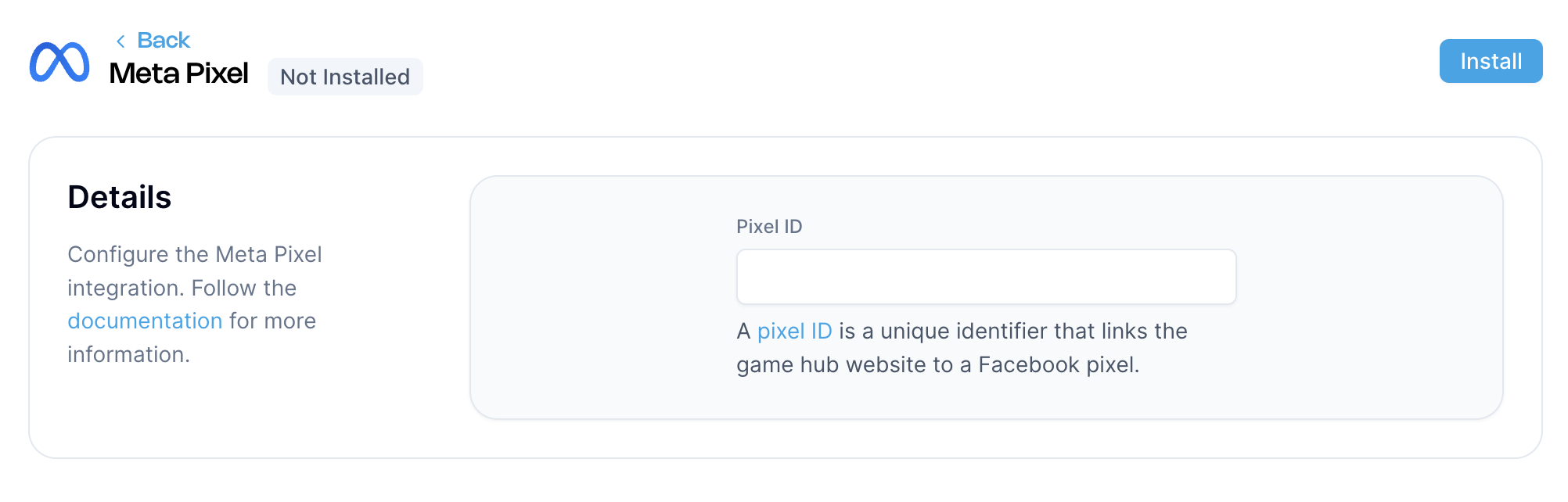
- Go to the Aghanim Dashboard → Aghanim Connect → Meta Pixel.
- Paste your Pixel ID into the Pixel ID field.
- Click the Install button to enable the integration.

Once installed, Aghanim will embed the Meta Pixel code into your game hub, allowing user events to be tracked and sent to Meta for campaign analysis and optimization.
Need help?
Contact our integration team at integration@aghanim.com