Aghanim-Google Tag Manager Integration
This guide explains how to integrate Aghanim with Google Tag Manager (GTM) to manage and deploy marketing tags (e.g., tracking scripts, pixels) on your game hub without modifying code directly.
Requirements
- A Google Tag Manager account.
- Access to a GTM container with a published workspace.
- The GTM ID (e.g.,
GTM-XXXXXXX).
Step 1: Retrieve your GTM ID
To link Aghanim with your GTM container:
-
Go to Google Tag Manager.
-
Select the container associated with your website.
-
Locate the Container ID displayed in the format
GTM-XXXXXXX(usually visible at the top right of the dashboard).This identifier is used to inject GTM into your hub and manage tags dynamically.
Step 2: Configure the Integration in Aghanim
- Go to the Aghanim Dashboard → Aghanim Connect → Google Tag Manager.
- In the Google Tag Manager ID field, paste your GTM ID.
- Click the Install button to enable the integration.
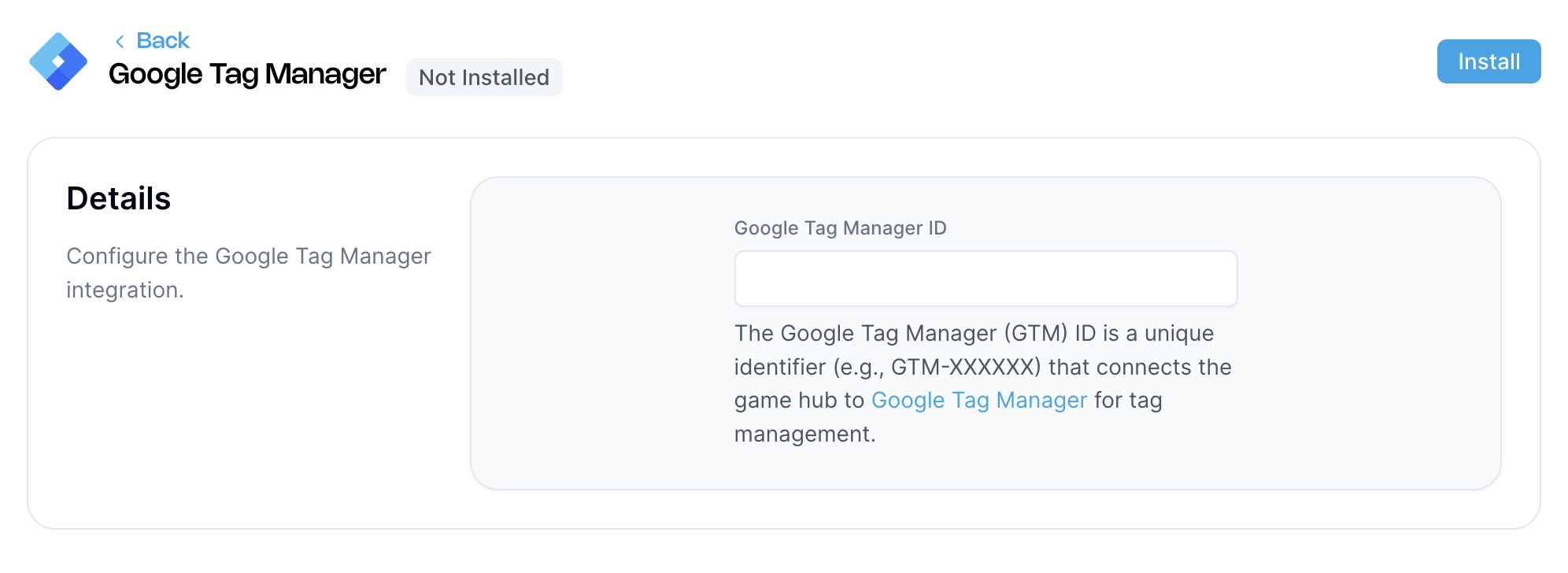

Once installed, the Aghanim platform will include the GTM container in your hub. All active tags and triggers from your container will begin working automatically.
Need help?
Contact our integration team at integration@aghanim.com