Aghanim-Google Analytics Integration
This guide explains how to integrate Aghanim with Google Analytics, allowing you to track traffic and user interactions on your game hub through a GA4 property.
Requirements
- A Google Analytics account with an active GA4 property.
- Access to the Google Analytics Measurement ID (e.g.,
G-XXXXXXXXXX).
Step 1: Retrieve your Measurement ID
To link your Aghanim hub to your GA4 property, you need the Measurement ID:
- Go to the Google Analytics Admin Panel.
- Select your GA4 property.
- Navigate to Admin → Data Streams → choose your Web stream.
- Copy the Measurement ID (starts with
G-).
This is a unique identifier used to connect your website to Google Analytics.
Step 2: Configure the Integration in Aghanim
- Go to the Aghanim Dashboard → Aghanim Connect → Google Analytics.
- In the Google Analytics Measurement ID field, paste the Measurement ID retrieved in the previous step.
- (Optional) Use the Excluded Sales Channels field to skip the purchase event in Google Analytics for the selected channels. Leave it empty to track all channels.
- Click the Install button to enable the integration.
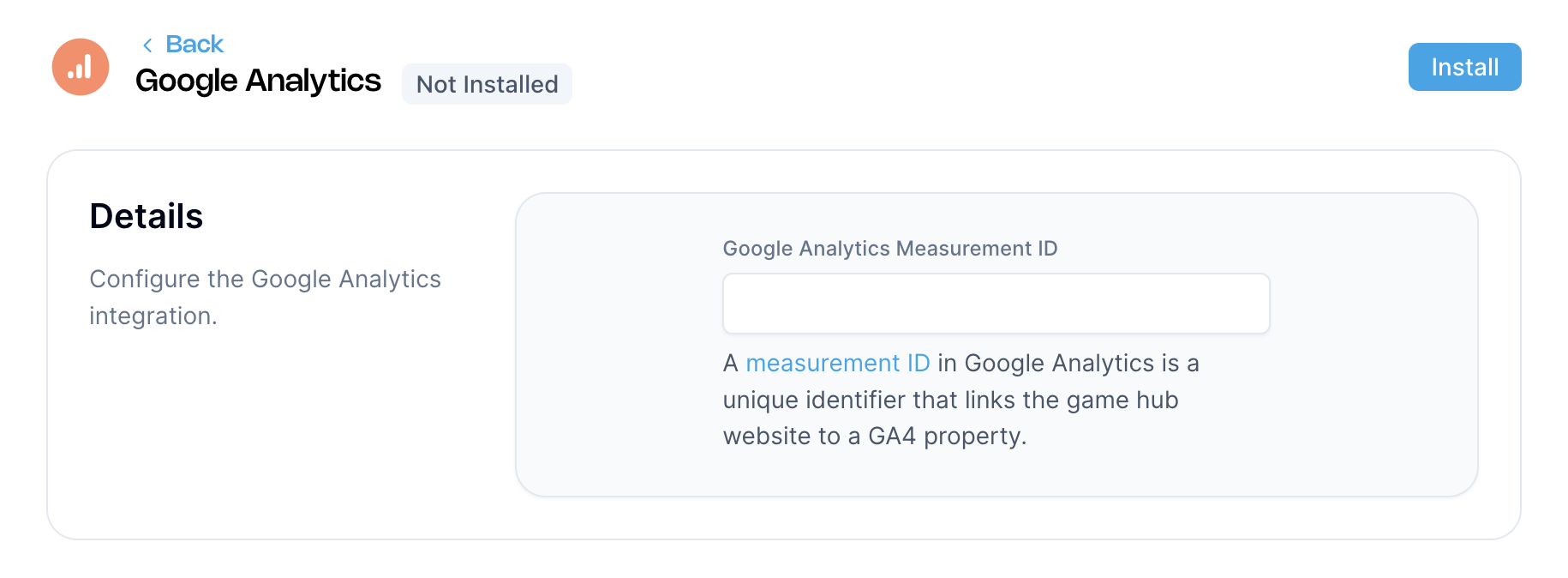

Once installed, Aghanim will begin sending PageView and user interaction data from your hub to Google Analytics.
Need help?
Contact our integration team at integration@aghanim.com